
Your notes, linked to the questions that matter.
Create notes during practice sessions, and every note is automatically attached to the specific question it was created on. When you review later, each note card shows the question stem it's linked to for context — so you always remember why you wrote it.
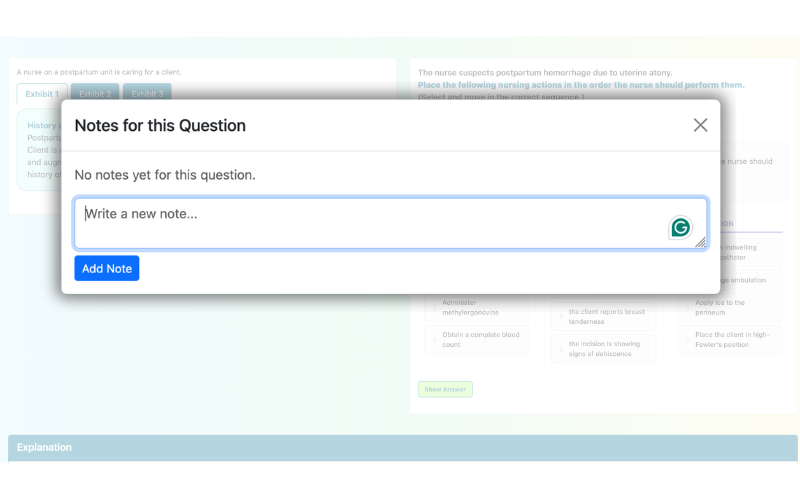
All your notes are accessible from the Q-bank's Notes tab, organized in an accordion-style layout grouped by content area and topic. This makes reviewing your notes during study sessions fast and intuitive.
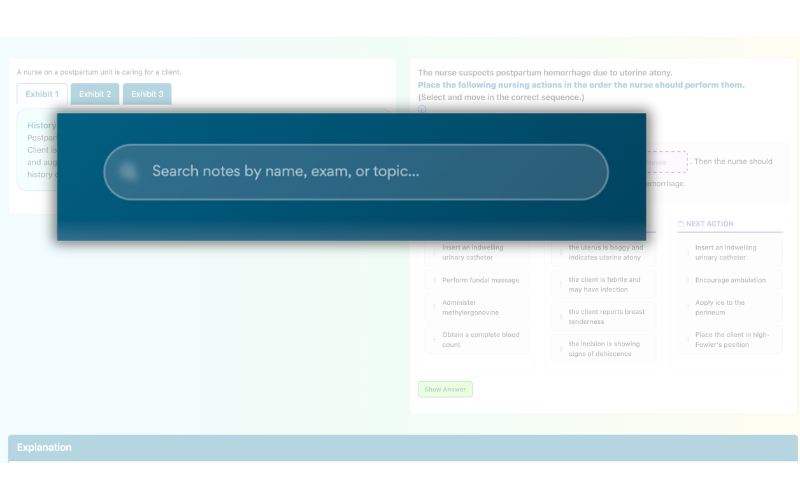
Instant search finds any note across your entire collection. Edit notes inline without leaving the page, delete ones you no longer need, and see "(edited)" indicators with timestamps so you know when notes were last updated.
Join thousands of nursing students who use Keslaly to study smarter and pass their exams.
Start Practicing Free