
Understand every answer — not just whether it was right or wrong.
After completing CAT or Readiness assessments, navigate through every answered question in order. For each question, see the full question stem, all answer options, your selection, the correct answer, and a detailed explanation of why each option is correct or incorrect.
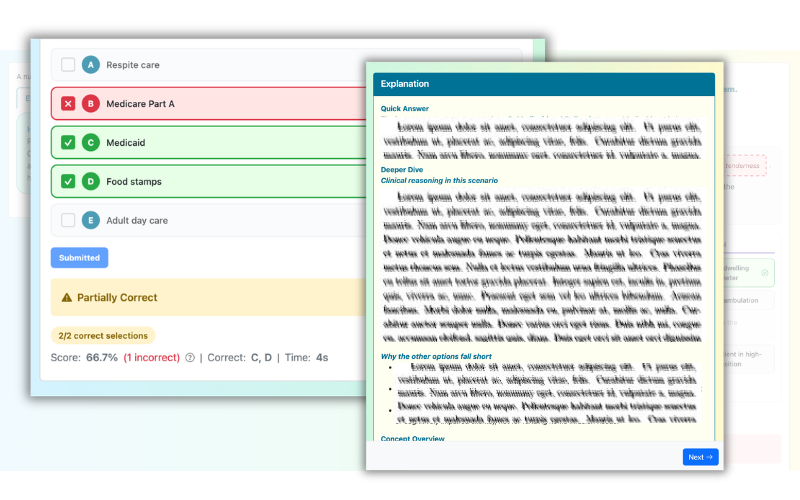
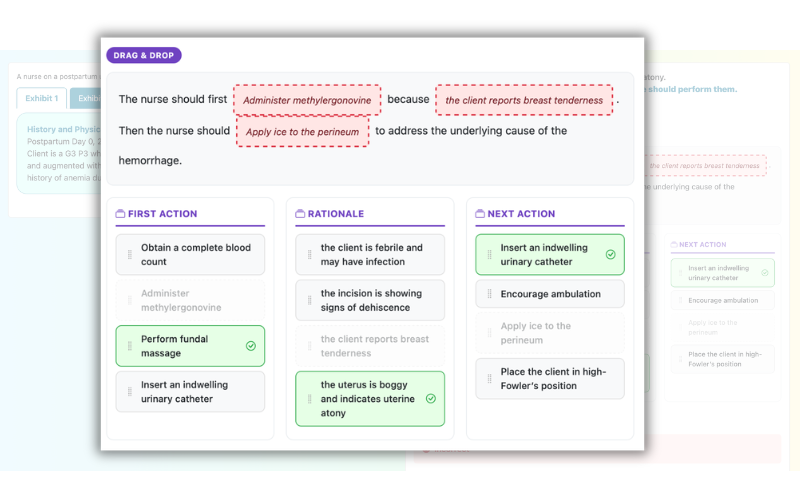
Results use a clear color system: green for correct answers, red for incorrect selections, dashed green for correct options you missed, and amber for partial credit. This visual system makes it instantly clear where you went right and wrong.
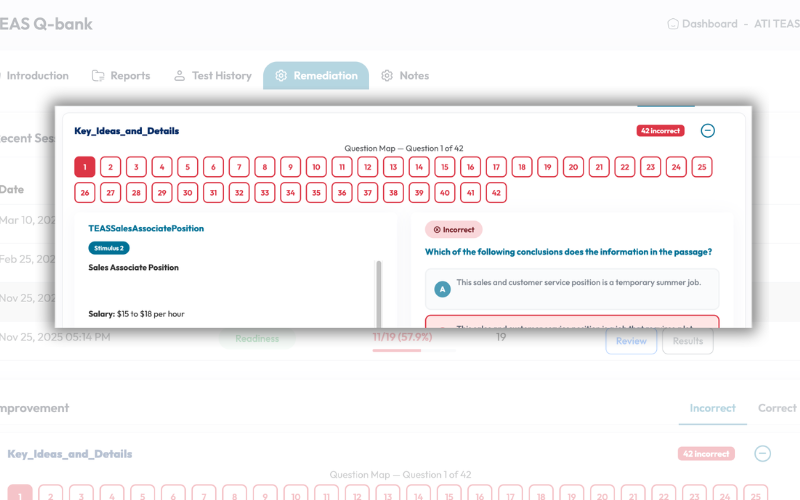
A quick-jump grid of numbered buttons lets you navigate to any question instantly — no scrolling through dozens of questions to find the one you want to review. Each button is color-coded to show your result at a glance.
Join thousands of nursing students who use Keslaly to study smarter and pass their exams.
Start Practicing Free